
Smart garden and robotics
Segway Navimow
Buying Navimow is not a conventional appliance checkout; it is a solution decision involving lawn measurement, terrain, navigation technology and installation expectations.
Visit the live project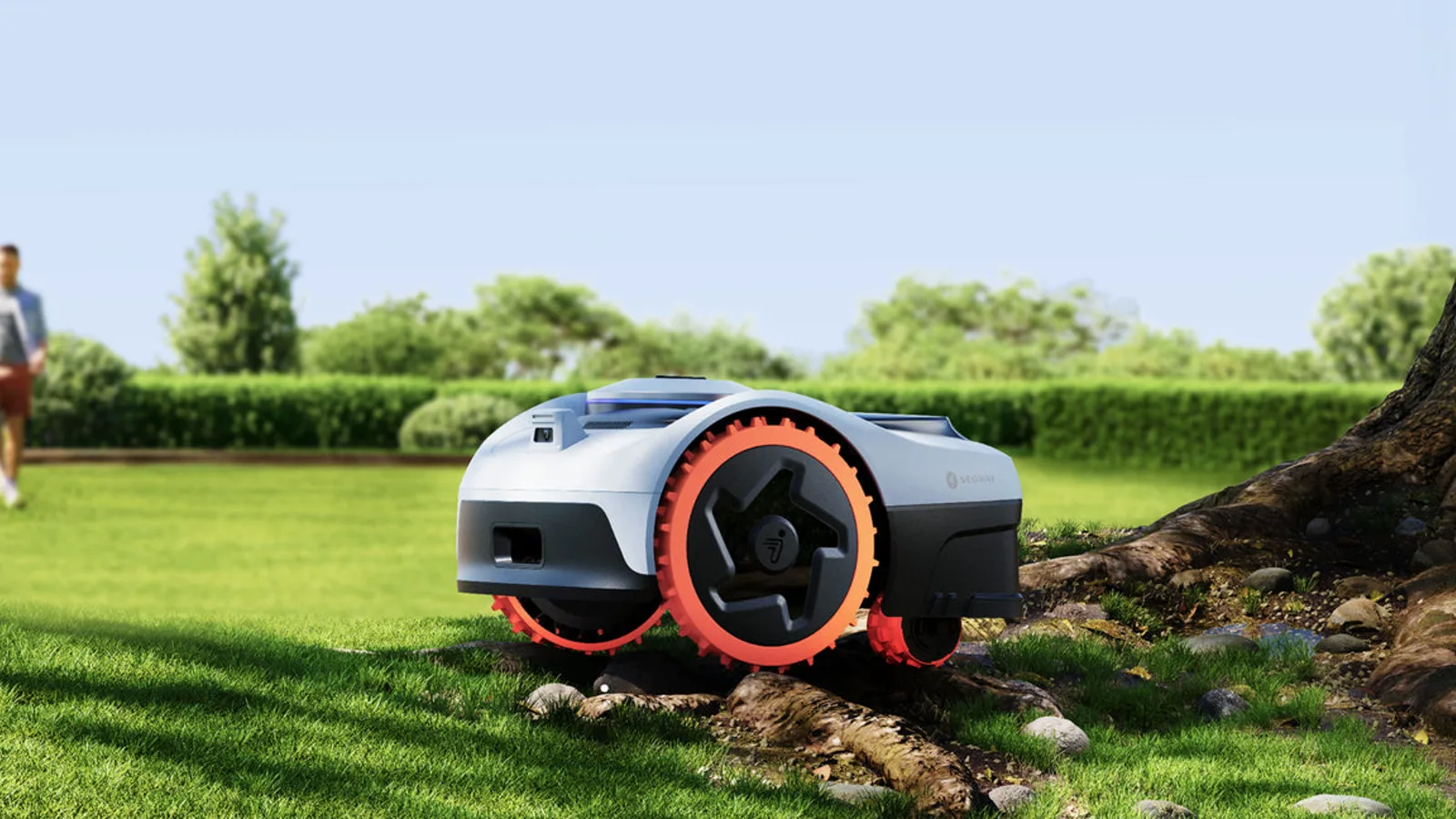
Core implementation review
Three storefront journeys from model choice to purchase
A high-consideration robotic mower is not sold by stacking RTK and all-wheel drive on the first screen. The storefront has to answer whether this lawn can be covered, then keep a long technical page oriented around the model the shopper is actually buying.
Project context
Define how customers choose before defining the storefront
Lawn size and complexity route the shopper first, followed by navigation, slope handling, drive system and professional capability across X, i, H and Terranox ranges. Setup, app, warranty, accessories and dealer support resolve the final mile.
Custom Shopify storefront design and frontend development; product-range and technology content modules; navigation, shopping journey and responsive implementation.
Route shoppers into a range by lawn size and terrain
The first job is answering whether this lawn can be covered, not comparing spec sheets.
- 01Establish lawn size and complexity
- 02Enter a range by navigation and slope
- 03Choose a host against that range
- 04Open the matching product page
Implementation
- The storefront is organised around a selection task: lawn area, navigation method and terrain capability lead, and price follows.
- Collections merchandise garden scenarios; sellable configurations live in variants. Map coverage and installation copy stay out of product options.
- Lawn-size and technology modules are reusable schema settings rather than hard-coded page copy.
Deployment and acceptance
- Desktop and mobile keep the same priority: establish fit before expanding model detail.
- Seasonal lawn-scenario copy can be updated in the theme editor without rewriting the host product form.
- Shoppers can answer fit before they commit to a specific model.
- New hosts enter the same guidance path by reusing area, terrain and navigation fields.
Keep the active technology block aligned with the model in view
Navigation, safety, setup and maintenance have to be explained without losing place on a long PDP.
- 01Open the host product page
- 02Follow the in-page anchor bar
- 03Expand galleries, video and spec groups
- 04Return to the active model’s purchase area
Implementation
- navimow-product-navibar.js keeps in-page anchors in sync and highlights the technology block in view.
- Desktop can pin model anchors; mobile uses nw-tab-scroller.js as a horizontal tab scroller so the long page stays scannable.
- product-features-image-gallery.js drives feature galleries with Swiper, navimow-video-url.js resolves video sources, and product-collapsible-2607.js folds specification groups.
Deployment and acceptance
- Shopify section events rebind the product nav and galleries after a section reload in the theme editor.
- Section Rendering API rerenders only the affected module and remounts its listeners.
- Video keeps a pause control and alternative text; popups never cover the primary add-to-cart action.
- Shoppers can tell which technology block they are in and still reach the current model’s purchase area.
- Feature modules remain usable after editor reloads instead of leaving a broken nav or gallery.
View script and Shopify API evidence
navimow-product-navibar.jsnw-tab-scroller.jsproduct-features-image-gallery.jsswiper-bundle.min.jsnavimow-video-url.jsproduct-collapsible-2607.jsShopify section eventsSection Rendering APIAfter fit is clear, complete the host, accessories and sellable region
Price and add-to-cart become persuasive only once lawn fit and regional availability are settled; blades, antennas and install kits belong as compatible accessories.
- 01Confirm the destination can be served
- 02Add the host configuration to cart
- 03See compatible blades, antennas and install kits
Implementation
- Hosts and accessories transact as products and variants; blades, antennas and install kits appear as compatible accessories rather than host options.
- theme.js and cart.js coordinate global behaviour and write cart state through Ajax Cart add, change, update and clear; product-x-get-y.js handles gift-with-purchase.
- The product page calls the Product Recommendations API from the current host context to surface related accessories.
- country-options.js supplies the country switcher, with en-US as the default transaction locale.
Deployment and acceptance
- Recommendations load asynchronously and never block price or the purchase control if the request fails.
- Certification, installation and freight rules stay destination-specific; navigation technology and host specifications remain shared.
- navimow-header.js keeps the site header in sync so market switching does not duplicate the selection path; popups never cover the primary add-to-cart control.
- Once fit and region are confirmed, shoppers can add the host and see matching accessories in the same journey.
- The US default storefront can connect to Europe, the UK, Canada and Australia without rebuilding the core selection modules for each market.
View script and Shopify API evidence
theme.jscart.jsCart Ajax: addCart Ajax: changeCart Ajax: updateCart Ajax: clearproduct-x-get-y.jsProduct Recommendations APIcountry-options.jsnavimow-header.jsnw-popups-group.jsOperational handoff
The operating team can continue after launch
- The catalog treats robotic mowers as host products, with pages for models such as Navimow i2 AWD and i2 LiDAR.
- Lawn size, navigation method, terrain capability and accessory packs are the selection axes; blades, antennas and install kits are maintained as compatible accessories.
- Map coverage and installation copy stay in operational content, not product options; sellable configurations live in variants.
- Checkout preloads use locale=en-US, so the default transaction context is US English, with onward connections to Europe, the UK, Canada and Australia.
- country-options.js supplies the country switcher; lawn-size guidance, certification, installation and freight rules are maintained by destination.
- Navigation technology and host specifications stay shared, while seasonal mowing copy, service-location notes and accessory availability publish as separate operational modules.
Research notesPublic sources and verification boundary
Public research sources
Content verification
Industry, product and observable feature notes are verified against the brand site. Apps, admin configuration and commercial data that cannot be confirmed from the storefront are not inferred. WESWOO scope is stated only from project records and client authorization.
Public information last reviewed: 2026-08-20
Related service: Shopify storefront design and frontend development