
A shopper may not start with a brand name. They may start with a constraint: they take the subway every day, they carry a laptop, a lunchbox and an umbrella, and they want a commuting backpack that is not bulky.
What the merchant has to prepare for that question is not more copy that says “AI recommended”. It is product information that can support a decision: what fits, under which conditions the bag is suitable, when it is not, and whether the page’s claims still hold at checkout.
This article uses a hypothetical commuting backpack. The product, the use cases and the page revisions are a teaching example. They are not a real client project, and they are not a sales or performance claim.
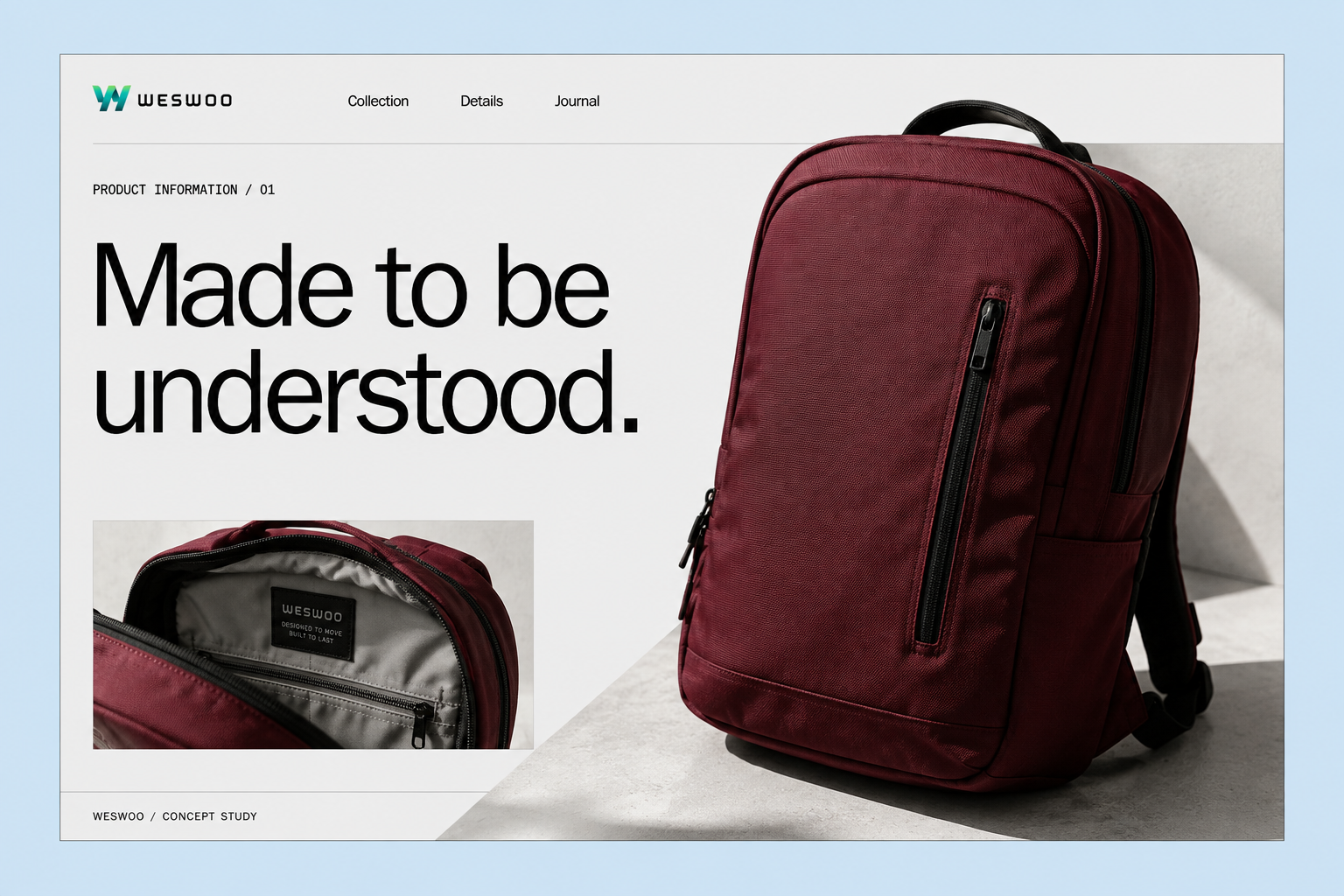
Hypothetical commuting backpack product page: lead with intended use, then the fit conditions. AI concept design. Not a real client project, and not evidence of product performance. Words on the mockup are illustrative, not measured product claims.
Discovery is not a recommendation, and a recommendation is not a sale
As of a 7 September 2026 review of Shopify Help Center, the ChatGPT channel is described as a discovery-focused referrer. Purchase is completed in the merchant’s online store checkout, including in ChatGPT’s in-app browser or a new tab. Eligibility includes selling to customers in the United States, products that meet Shopify Catalog requirements, agreement to the relevant terms, and completed store policies. That is not the same as every market or every store already having the same capability, and it is not a description of every AI shopping channel. Other agentic storefronts may work differently; confirm the channel you actually use in admin. Shopify’s ChatGPT channel documentation
This article is therefore about preparation a merchant can control on one product page. It is not a method for guaranteeing recommendation, citation or rank.
Confirm channel eligibility and product status in your own admin first, then split the problem into three layers:
- Are the facts accurate? Which physical item does this colour and size actually correspond to?
- Does the product match the need? Is the shopper buying for daily commuting, or for loaded long-distance hiking?
- Can the purchase complete? Can the destination be shipped to, and is the selected style in stock?
Shopify also states that being included in Catalog does not guarantee appearance in a given AI answer, a given rank, or display on every connected channel. Clearer product information can help a platform match a search; the AI platform still decides ranking, wording and the shopping experience. Do not write “the data is connected” as “AI will recommend this product”. Shopify’s product-optimisation guidance Shopify Catalog overview
Ordinary search-engine optimisation still matters for the storefront the shopper lands on. Google’s public guidance on AI features in Search does not add a special text file such as llms.txt, or a dedicated schema, as a requirement. This article is about product facts a page can stand behind, not a ranking method. Google’s guidance on AI features
Field dictionaries, terminology and market difference tables belong in product data governance. A four-layer GEO checklist for facts, evidence, explanation and the purchase path is in the product-page GEO checklist. This page stays with one teaching SKU: what the backpack page must answer, and how variants and Catalog mapping can disagree.
Turn adjectives into information a backpack page can actually answer
First: collect the conditions customers only discover after a wrong purchase
Suppose the current product page only says “lightweight, large capacity, waterproof, suitable for commuting”. The words are conspicuous. A customer still cannot tell whether their laptop will fit, or what “waterproof” is supposed to mean.
Start with a product-fact table. The fields below are a collection list for this teaching example. They are not the real specifications of this hypothetical backpack, and they are not measurements from a client project.
| Customer question | What the merchant needs to prepare | What the page should not say |
|---|---|---|
| Will my laptop fit? | Inner sleeve dimensions, opening and fit conditions | Promising fit from screen size in inches alone |
| Is the empty bag heavy? | Measured weight for that style, plus how it was weighed | Calling it the lightest without evidence |
| Can I use it in the rain? | Fabric, construction and the use limits already verified | Stretching water-resistant into fully waterproof |
| Will a lunchbox crush the laptop? | Photographs of the main compartment, the sleeve and packed items | Using empty-bag photos to imply that any combination fits |
| What arrives in the box? | Packing list, optional extras and items that are not included | Showing accessories without saying whether they ship with the bag |
Have product or supply-chain owners confirm the table before content and development work from it. Leave an unevidenced field empty, measure it, or narrow the wording. Do not let copy make a new product promise.
Second: put “not suitable” into the buying decision
If the brand has only verified daily commuting, do not slide into “suitable for loaded long-distance hiking”. If a laptop is used with a thick protective case, tell the customer to check the external dimensions, not the screen size.
Those limits do not belong as small print in the footer. They belong next to the related claim. When a shopper sees “laptop sleeve”, they should also see the fit conditions. When they see the fabric note, they should know what they cannot infer.
Maintain one trusted data set, then let the page and the channels use it
Product information usually breaks when the same backpack is maintained by hand in several places: one version in admin, another inside a detail-page image, another on an advertising landing page. One location is updated. The others keep the old claim.
Give each class of information a single maintenance location:
- Price, inventory and variant relationships are maintained on the actual product record.
- Dimensions, materials, care and use limits live in clearly defined product fields.
- Returns, shipping and similar store policies are maintained in the corresponding policy content.
The point is not to force every sentence into one field. It is that each fact has an owner and a stated source.
Shopify themes can connect applicable metafields to page components through dynamic sources. That is a basis for reusing product information. Whether a given theme supports it, and what development is required, still has to be checked. Theme templates, sections and blocks
Keep two jobs separate: a page that reads a custom field is not proof that an AI channel automatically reads the same field. Shopify Catalog mapping can set the source for relevant product data. The mapping is an input to Catalog; Catalog then updates on its own schedule, and a save is not instantaneous proof that every channel already shows the new value. Stores that use custom data structures should check the mapping and the product preview, rather than claiming all-channel sync the moment they save. Shopify Catalog mapping documentation
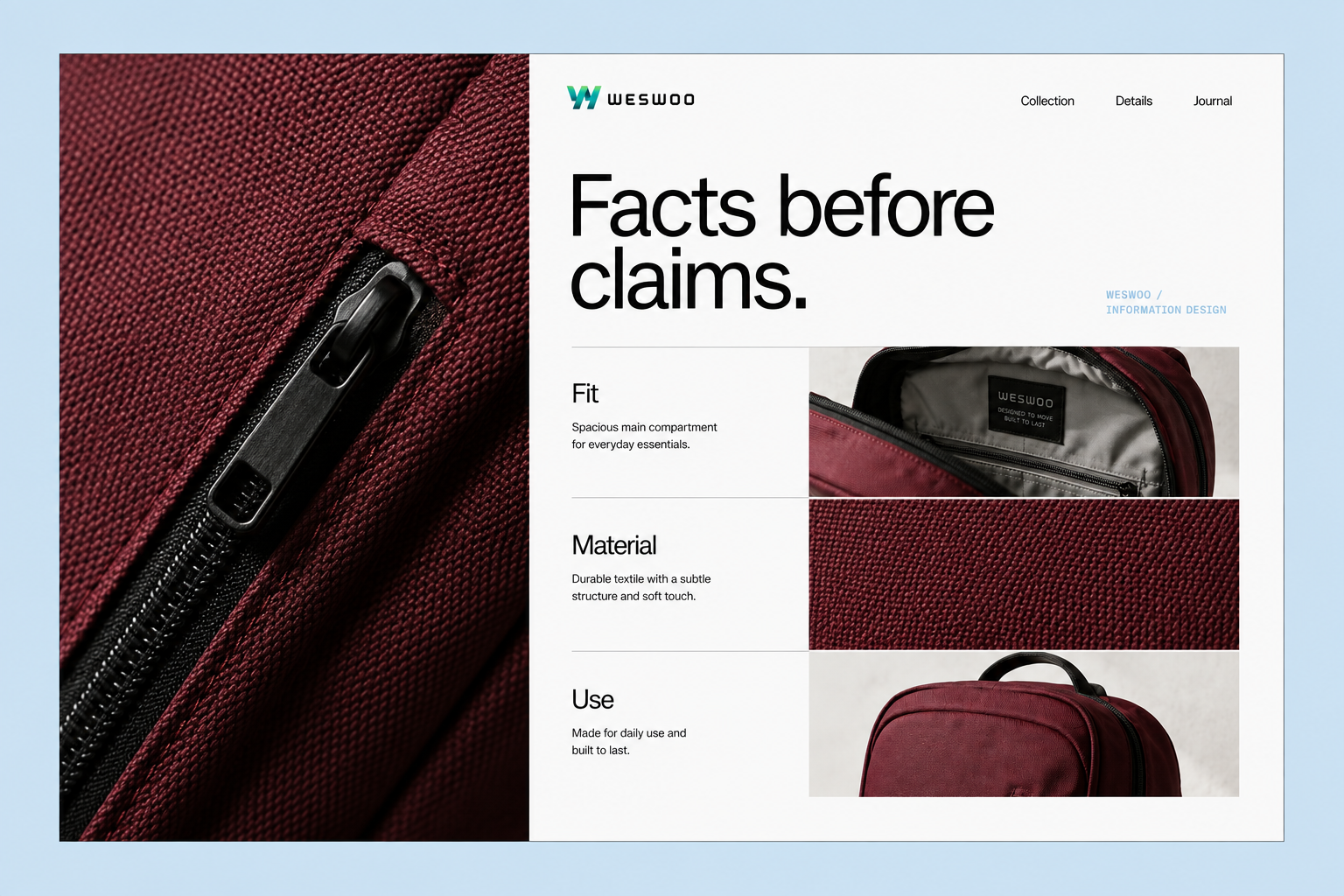
Organise material, storage and intended use as separate information, rather than one block of selling copy. AI concept design. Actual performance still depends on real product evidence.
Organise the page in the order a shopper chooses, not the order a brochure is written
First: let the opening screen confirm “this is the bag I need”
On a commuting product, the opening screen can show the bag’s appearance, its intended use, the currently selected style and the purchase control. Do not show a dark colour in the image while the button defaults to adding a different colour.
The main heading identifies the product. The supporting line answers the primary use. Let people know what is for sale before the brand story expands.
Second: turn storage into something that can be checked
After the main image, explain the space with measured photographs, opening details and typical packed-load shots. Record which items were placed in the bag when you shot. Do not create a false impression with a wide angle, hidden items or a changed bag proportion.
If the demonstration uses a laptop, a lunchbox and an umbrella, say that this is a load demonstration with those specific items. It does not prove that every lunchbox size or every laptop will fit the same way.
Third: put conditions next to the points of hesitation
The dimensions block states fit limits. The materials block states care. The purchase block links to shipping and returns policy. Keep information that has to be understood together in one place. Do not ask the customer to assemble an answer across several pages.
These are page-design recommendations in this article. They are not a list of functions a default Shopify theme already completes automatically.
Use three checks to catch pages that look finished but disagree with themselves
The first check starts from a customer question. Ask someone who did not make the page to answer from the page alone: will their laptop fit, are accessories included, and is a given use supported by evidence. If they cannot answer, locate the missing information. Do not add another decorative module.
The second check starts from variants. Switch colour and size in turn. Check that images, price, inventory, copy and the cart line all refer to the same physical item. Pay particular attention to the default style being out of stock: do the button and the message still make sense?
The third check starts from one data change. In a test flow, change one field. Record which locations update with it, and which still need a person. For external channels, leave observation time for sync, then check what is actually displayed.
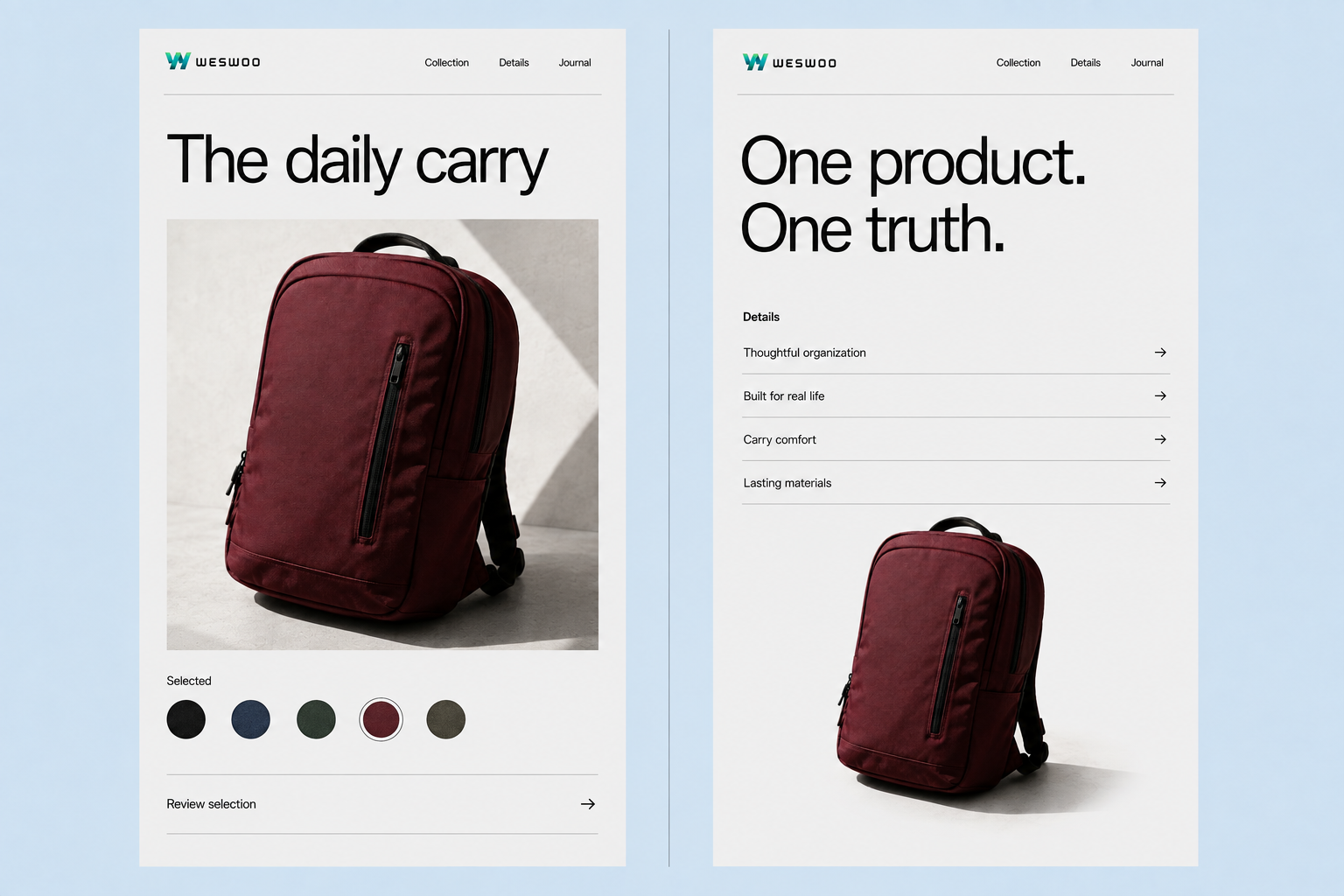
Keep the same style consistent between the selector and the detail area. AI concept design. Not a platform admin screenshot.
Record issues as “field — location — mismatch — owner”. For example: “packing list — lifestyle image — a customer may think an organiser pouch is included — content owner”. That makes it possible to verify that a problem is closed, instead of replacing a result with “the page has been optimised”.
Finish one product template before you decide how to scale
You do not need to rebuild the whole storefront first. Choose one backpack style whose information is relatively complete and that you actually intend to keep selling. Run the fact table, the page structure, variant behaviour and the check record all the way through. Then decide which components can be reused on other products. Use this article’s hypothetical backpack only as the teaching pattern, not as a product to publish.
A workable order is: correct wrong information, fill critical gaps, then improve how the page presents the facts, and only then check channel display. Whether a more complex technical approach is needed should follow the product structure and the maintenance work, not the fact that AI shopping is being discussed.
As a Shopify partner team, WESWOO treats brand design and theme implementation as one project. On product-information work of this kind, we start from the customer’s choice questions when we design page hierarchy and visual expression, then connect product fields, specification components and mobile interaction through theme and front-end development. What is delivered is not only a design file. It includes a maintainable template, field-use notes and an acceptance process, so the brand can be distinctive and the information under that expression can keep being updated.
AI can become another way customers discover products. The merchant is still responsible for product information, on-page claims and what is actually delivered. Get one backpack understood accurately before you discuss the next expansion.
If you need to connect product data work with page development, contact WESWOO.