
A photographer adjusts exposure on the train and reconnects the drive containing the originals back at the studio. Lightroom Classic’s Smart Previews let those sessions connect. The important detail is how an edit made against a smaller local image stays associated with the correct photograph.
Choose what to prepare before unplugging the drive
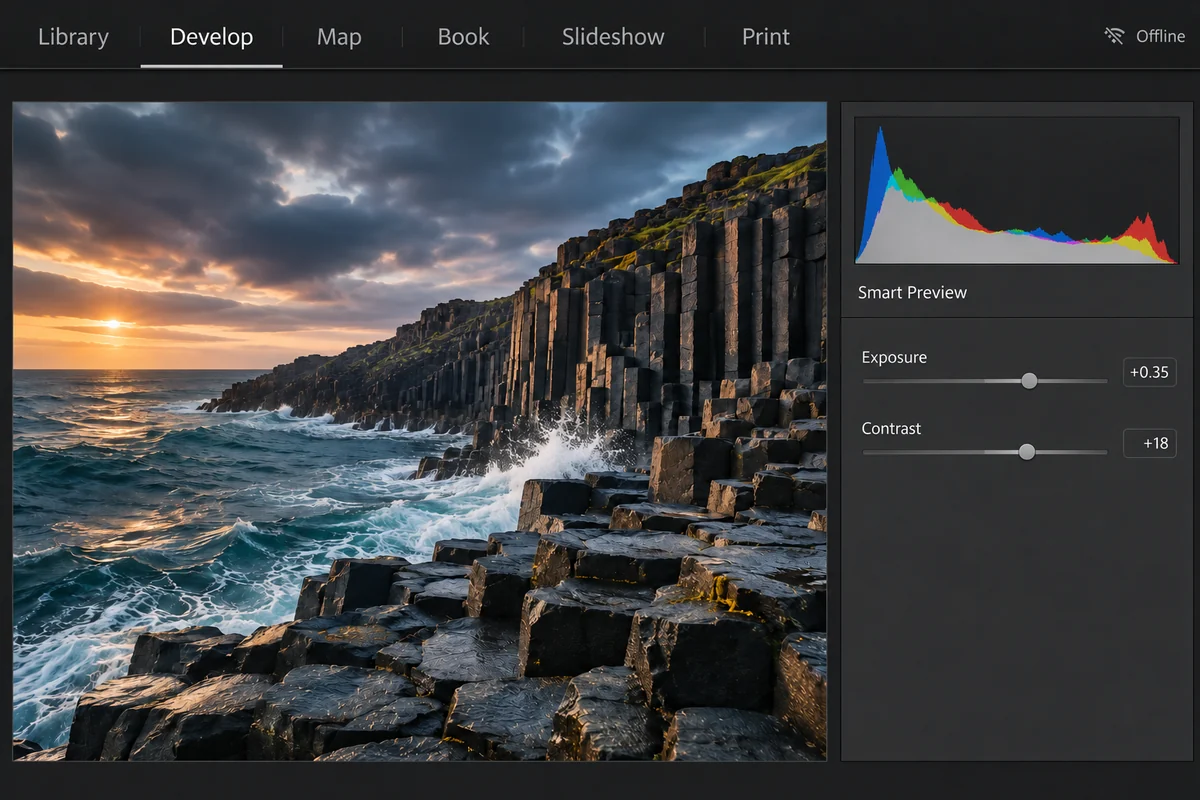
Adobe describes Smart Previews as smaller files based on lossy DNG. They can be built on import, during catalogue export or on demand. A photograph with a Smart Preview remains editable when its original drive is disconnected. Adjacent thumbnails in the same catalogue may therefore have different offline capabilities. Checking the particular selects needed on a trip tells the editor more than a total preview count.
Official sources · Lightroom Classic Smart Previews
Keep the edit attached to the catalogue photograph
Two cameras can each produce a file named IMG_0001. In a catalogue tool, the preview and its edits need an association with the catalogue photograph and a verifiable original location. If the editor darkens one image and crops the other, reconnecting the drive must preserve those two different decisions. A filename is a useful label in the interface but a fragile key for reconciling work.
Test what happens on reconnection
Adobe says edits made with Smart Previews synchronise when the original storage returns. For a practical test, change exposure offline, crop the picture and undo the crop. Reconnect, check original availability and inspect the final rendering for the exposure change without the crop. The rendered result tests the catalogue’s edit decisions. Requiring the original RAW bytes to change would test the wrong property of a nondestructive workflow.
Help the editor leave and return with confidence
Smart Previews are smaller, lossy representations. A separately protected original still serves a different purpose. Measure preview coverage for pictures chosen for offline work, then measure reconciliation among sessions whose originals have returned. An editor still travelling has not yet reached the second observation point. Counting that session as a failure would trigger a recovery message precisely while the feature is working as intended.
Related reading · Why a Canon EOS R5 lens compatibility guide needs to explain the RAW frame