
Architectural components and home design
Fittes
Fittes turns vents, access and device mounts into architectural surface systems. Shopify must organize by room, finish, dimension and installation stage rather than SKU names alone.
Visit the live project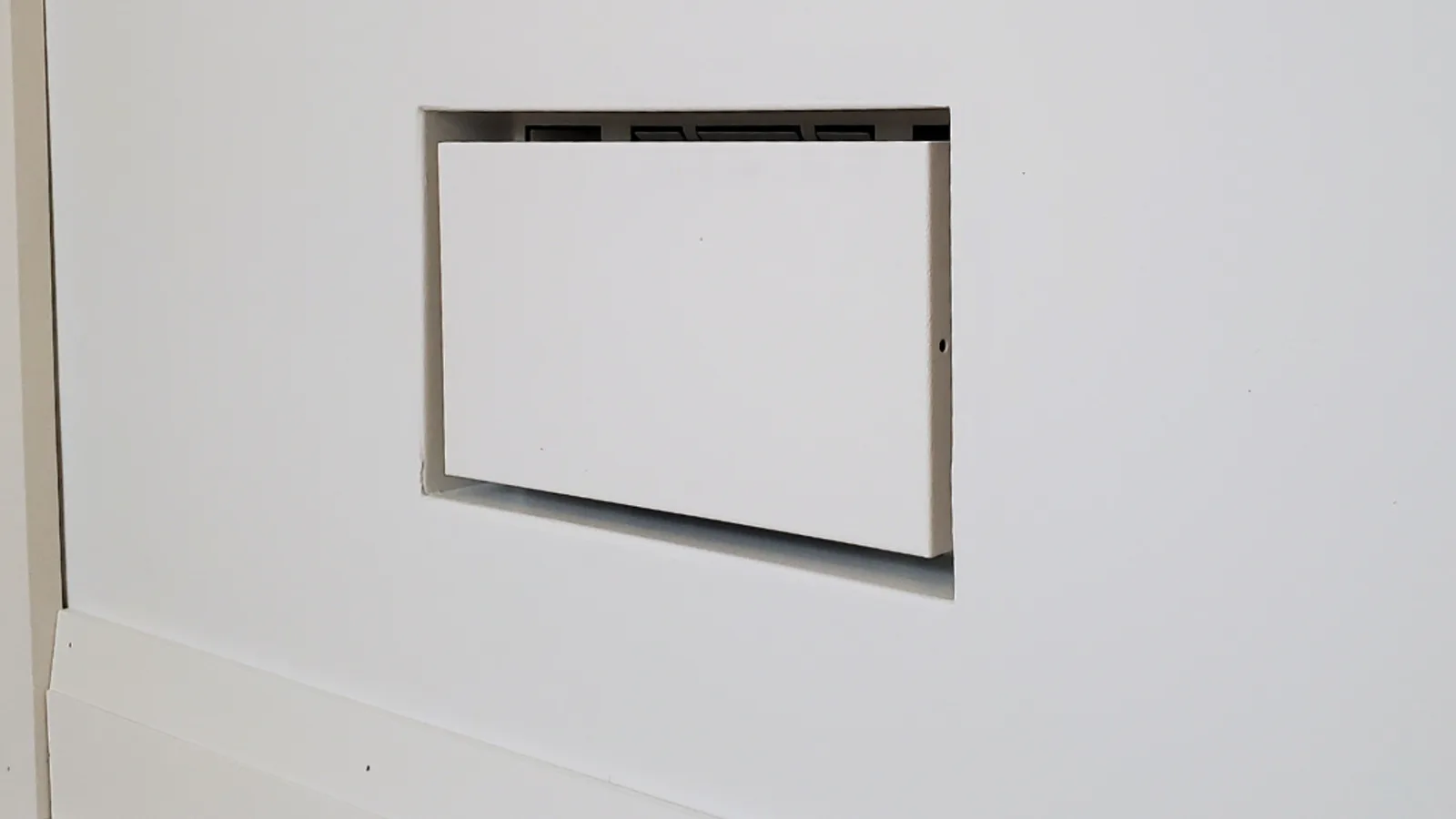
Core implementation review
Three storefront journeys from model choice to purchase
Fittes sells flush vents, access panels and device mounts as architectural surfaces, not décor SKUs. Homeowners, designers and builders arrive with a wall, a finish and an opening—not a product code. The storefront has to lock installation surface and opening first, then keep size, finish, load and airflow in one selectable catalog.
Project context
Define how customers choose before defining the storefront
Users enter by product, finish or room, choose wall, ceiling or floor vents, mounts, niches, exhausts or filters, then verify dimensions, framed or flush finish, load, airflow and installation. Compare, quiz and installation content reduce mistakes.
Shopify architectural-products frontend, taxonomy, specifications and variants, installation content and responsive UX.
Start from room, finish and surface—not from a SKU name
The catalog is crossed by product type, room and wall, ceiling or floor, so someone who does not know the product code can still reach the right vent, access panel or mount.
- 01Enter by product type, finish or room
- 02Lock wall, ceiling or floor first
- 03Narrow by opening, outer size and install stage
- 04Open a candidate whose specs can still be checked
Implementation
- Collection templates make the first cut by type, room and installation surface; opening, outer dimension, airflow and install stage sit on filterable specification fields.
- Size and finish are Shopify variants, so every opening condition does not become its own product.
- Predictive Search returns products and collections while the query is typed—the path professionals use when they already know a model.
Deployment and acceptance
- Filter chips, selected facets and sold-out states stay on small screens and remain keyboard-operable.
- Airflow, load and install steps live in merchant-editable fields rather than the theme entry script, so a launch is mostly a data change.
- Search keeps loading and empty states so a bad query does not dump the shopper into a blank grid.
- A homeowner can arrive from a room or finish, a contractor from a product type, and both land in the same family.
- New hardware joins search and filters by reusing the field model instead of a one-off landing page.
View script and Shopify API evidence
predictive-search.jssearch-form.jsShopify Predictive Search APIShow the flush wall and the live opening before anyone buys
The product page has to hold installation photography, cutaway dimensions and the selected variant’s opening and airflow together, so a handsome finish cannot hide the wrong cut.
- 01Read flush photography and material close-ups
- 02Select size and finish variants
- 03Sync opening, units and airflow in the spec table
- 04Confirm install steps, then add to cart
Implementation
- The product form and product info share one variant state, so units, opening and airflow in the specification table follow the option instead of each block rereading the selection.
- The media gallery and zoom layer lead with installation photographs and cutaways; Swiper drives the sequence.
- Quick add on collection cards and the product-page form share labels and disabled logic, so a tile never offers a finish the PDP will refuse.
Deployment and acceptance
- Gallery frames keep the before-and-after aspect ratio so the wall joint is not cropped away.
- Spec tables, installation copy and recommendations are sections and blocks; after a theme-editor reorder, section events and pubsub remount gallery and form listeners.
- Purchase still runs through the theme product form, so a media or carousel failure does not block variant choice or add-to-cart.
- Changing size or finish updates the install image and the opening data in the same pass.
- Collection tiles and the product page agree on what can actually be purchased.
View script and Shopify API evidence
product-form.jsproduct-info.jsmedia-gallery.jsproduct-modal.jsswiper-bundle.min.jspubsub.jsquick-add.jsCart Ajax: addStop a wrong opening with a quiz, an aligned comparison and linked accessories
Vents that look alike need one specification set to compare. Replacement filters and mounting kits have to point at the matching housing instead of living as a sentence in the description.
- 01Answer questions about the install scene
- 02Align opening, flush or framed, and airflow across models
- 03After the housing is chosen, surface compatible filters and mounts
- 04Buy retail, or continue into trade guidance
Implementation
- An on-site selection quiz reduces room, surface and opening into a workable product set for shoppers who do not know the naming.
- The Compare Models page lines up one shared specification set in columns rather than painting a new graphic for each group.
- The product template calls Product Recommendations for compatible filters and mounting kits, with the pairing stored as product data rather than body copy.
Deployment and acceptance
- Recommendations load in the background and never block specifications, price or purchase if the request fails.
- Retail copy and trade terms are maintained separately so contractor language does not read as a consumer offer.
- Quiz, gallery and form listeners resubscribe after a section reload so editor reordering does not leave dead controls.
- Shoppers can rule out a mismatched opening or install style before the order.
- Filters and kits follow the housing, so a later replacement does not depend on remembering a SKU note.
View script and Shopify API evidence
quiz-renderer.jsProduct Recommendations APIproduct-form.jscart-drawer.jsCart Ajax: addOperational handoff
The operating team can continue after launch
- The catalog is organised as vents, access panels and device mounts, then crossed with room and installation surface. Flush Wall Vent Luxe, Brack Kit Luxe and the smash-plate mount sit in that family.
- Size and finish are Shopify variants. Opening, outer dimension, airflow, load and install stage are filterable specification fields.
- Replacement filters and mounting kits reference compatible housings instead of handwritten description notes. Retail and trade share the family with different field prominence: room and finish first for consumers, opening, load and install stage first for contractors.
- The US English storefront settles in USD, with checkout preload in en-US. Inch openings, install responsibility and returns copy are merchant-editable for that market and stay bound to variant specifications.
- Location and pickup scripts only expose storefront place signals; they do not replace freight or returns modules.
- Sellable finishes follow inventory. Installation promises for regions the brand does not cover stay out of the shared template.
Research notesPublic sources and verification boundary
Public research sources
Content verification
Industry, product and observable feature notes are verified against the brand site. Apps, admin configuration and commercial data that cannot be confirmed from the storefront are not inferred. WESWOO scope is stated only from project records and client authorization.
Public information last reviewed: 2026-08-12